
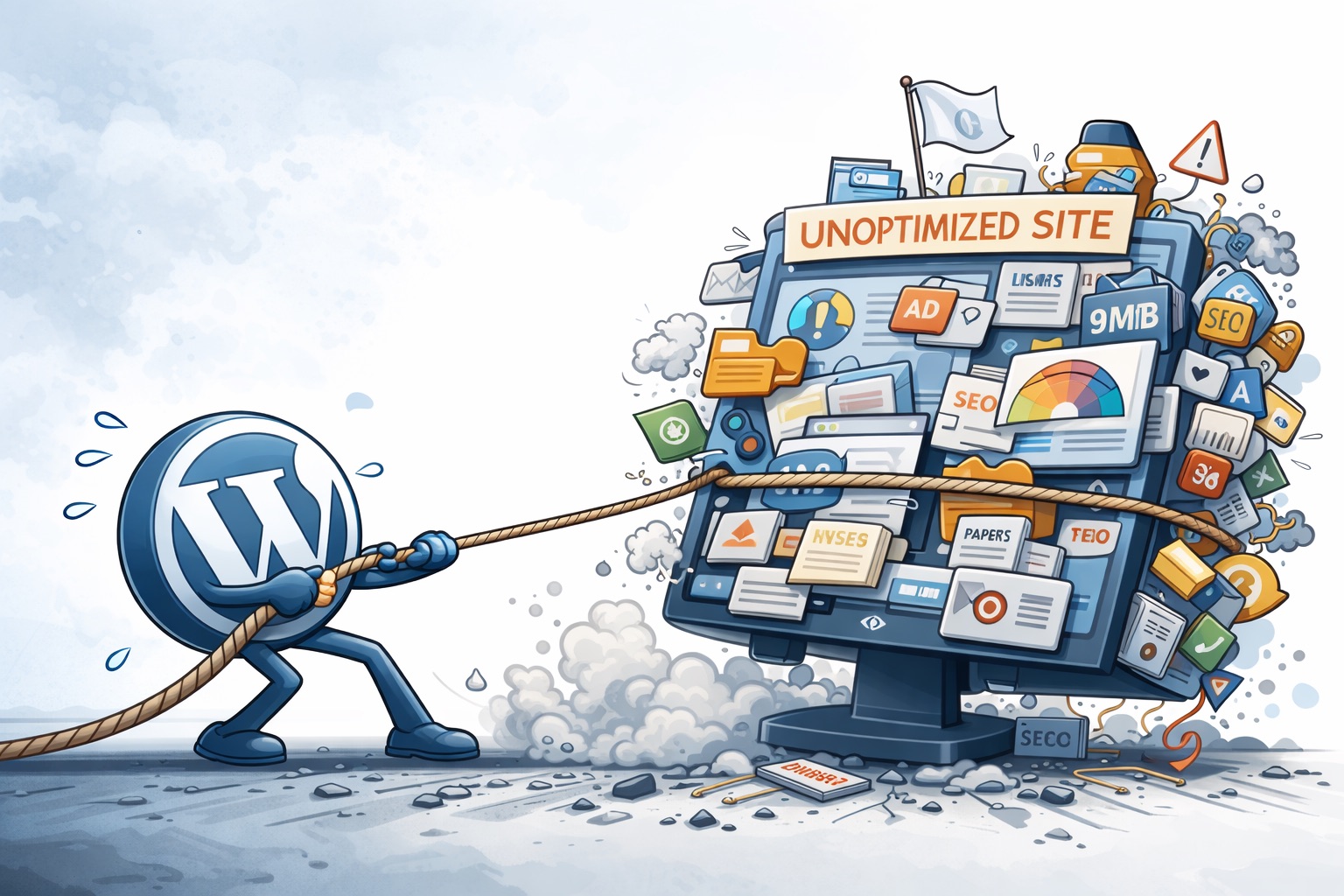
WordPress Performance, Pros/Cons, and a Practical Blueprint for a Lightweight, Fast Stack
WordPress is one of the most widely used CMS platforms because it’s flexible, portable across hosts, and supported by a large ecosystem. It can also become slow and fragile when themes, plugins, and third-party scripts accumulate without governance. In practice, “fast WordPress” is less about tricks and more about disciplined choices in build approach, plugin policy, caching/CDN, measurement, and change control.
This guide covers (1) WordPress pros/cons, (2) when to use it, and (3) a concrete build + infrastructure blueprint you can apply today.
1) WordPress Pros
Fast time-to-market Ideal for marketing sites, service businesses, nonprofits, blogs, and editorial workflows where non-developers publish content.
Ecosystem depth Themes, plugins, and integrations reduce build time and risk—if you keep the footprint lean and maintain update hygiene.
Portability and ownership You can host WordPress nearly anywhere, migrate vendors, and keep control of your content and data.
Extensibility Custom post types, custom fields, bespoke plugins, REST API use, and headless patterns can take WordPress far beyond “a blog.”
2) WordPress Cons (the real failure modes)
Performance isn’t automatic Many slow sites are slow because of heavy themes/builders, excessive plugins, and third-party scripts—not because WordPress cannot be fast.
Plugin sprawl increases risk More plugins = more code paths, more database load, more conflicts, and a bigger security surface.
Security requires operational discipline WordPress is commonly targeted due to popularity, and many incidents trace back to outdated components, weak access controls, and insecure defaults.
Builder lock-in and front-end bloat Some page builders can create large DOMs, high JS payload, and difficult migrations. Builders can still work—if constrained.
3) A simple “Should we use WordPress?” decision
Use WordPress when you need:
Content publishing + marketing pages
A site your team can update frequently
Proven plugin integrations (forms, SEO basics, ecommerce)
A cost-effective path to launch and iterate
Consider alternatives when you need:
A highly interactive application (heavy real-time UX, complex dashboards)
Strict performance budgets at scale and you can’t govern plugins/builders
A mostly static marketing site where a static generator is better operationally
4) Performance targets that keep you honest
Use both field data (real users) and lab data (synthetic tests). Search Console’s Core Web Vitals report is based on actual user data and is organized around LCP, INP, and CLS. (Google Help)
Core Web Vitals targets (field data, 75th percentile)
LCP: Good ≤ 2.5s; Needs improvement 2.5–4s; Poor >4s. (web.dev)
INP: Good ≤ 200ms; Needs improvement 200–500ms; Poor >500ms. (web.dev)
CLS: Good ≤ 0.1; Needs improvement 0.1–0.25; Poor >0.25. (web.dev)
PageSpeed Insights (lab data) guidance
A green PSI/Lighthouse performance score is 90–100. Treat PSI as a diagnostic tool; prioritize real-user CWV outcomes over chasing a perfect lab score. (Chrome for Developers)
Rule of thumb: If TTFB is consistently high, fix hosting/caching/origin efficiency before chasing front-end micro-optimizations.
5) How to build a lightweight WordPress site (build blueprint)
Step 1: Pick a low-bloat theme strategy
Choose the simplest approach that meets the requirements:
Custom theme (best for strict budgets)
Block Editor (Gutenberg) theme with patterns + templates
Lightweight starter theme with limited options
Avoid “mega multipurpose” themes unless you accept the bloat tradeoff
Rule: Prefer repeatable templates/patterns over per-page custom layouts.
Step 2: Page builder decision matrix (use responsibly)
A builder can be acceptable if you enforce constraints.
Builder is OK when:
You have a small site and a tight design system
Editors use approved templates/patterns (not freestyle pages)
You cap animations and third-party widgets
You measure CWV and hold the line
Builder is a bad fit when:
You need strict CWV targets at scale
Many authors will create one-off layouts
You already carry heavy third-party scripts
You cannot enforce governance
Step 3: Plugin governance (the policy that prevents bloat)
Hard rules:
Prefer one plugin per function; add a second only with a clear, documented reason
No plugin installs directly on production without review
Updates flow through staging + a rollback plan
Remove unused plugins/themes (deactivated is not enough)
Plugin evaluation checklist:
Maintained recently, clear changelog, strong install base
Performance footprint acceptable (no heavy front-end bundles unless essential)
Minimal database overhead; no excessive autoloaded options
Export/migration path exists (avoid lock-in)
Security posture: reputable vendor, prompt patching
Step 4: Front-end discipline (where most speed wins come from)
Limit fonts (ideally one family; avoid many weights)
Prefer SVG icons; avoid shipping giant icon fonts
Avoid sliders, heavy animation libraries, autoplay video backgrounds
Keep pages consistent; reduce unique per-page CSS
Make mobile the default constraint
Font strategy: prefer system fonts or a single variable font; preload only what’s necessary
CSS/JS strategy: reduce render-blocking CSS, remove unused CSS, and defer non-critical JS
Tag discipline: avoid loading third-party scripts on every page if only a subset needs them
Step 5: Media is non-negotiable
Resize images to display size; use modern formats where feasible
Lazy-load below-the-fold images
Ensure the LCP image is optimized and not delayed by unnecessary scripts
Keep embedded video and third-party iframes under control (load on interaction when possible)
6) Infrastructure that makes WordPress fast (stack blueprint)
A common high-performing caching model
Full-page caching (biggest win for anonymous/marketing traffic)
Object cache (Redis/Memcached) for query-heavy or dynamic sites
Browser caching for versioned static assets (long TTL)
Critical exclusions:
Don’t full-page cache logged-in/admin/editor views
Don’t cache WooCommerce cart/checkout/account pages
Don’t cache personalized content unless you control the rules precisely
CDN/edge in front of WordPress
Use a CDN to accelerate static assets, reduce origin load, and add protection controls (rate limiting/WAF depending on provider). Configure cache rules and purge behavior intentionally—especially around logged-in states, preview links, and commerce pages.
Server fundamentals (what “good hosting” actually means)
At minimum:
Modern PHP + OPcache enabled
Nginx (or well-tuned Apache) + PHP-FPM configured for your concurrency
Enough PHP workers for peak traffic (avoid worker saturation)
SSD storage; adequate RAM for caching and bursts
Operational signals you’re underprovisioned: spiky TTFB, slow admin, random 502/504s, “site is slow only sometimes,” checkout timeouts.
Database hygiene (safe, practical approach)
Control post revisions (without breaking editorial workflow)
Clean transients cautiously
Be careful with “cleanup” plugins that delete data aggressively
Treat indexing as advanced optimization—only after measuring query bottlenecks
7) Third-party script governance (often the #1 bottleneck)
Many “WordPress speed problems” are actually third-party payload problems (chat widgets, schedulers, heatmaps, multiple analytics tags, embedded reviews).
Rules that work:
Maintain a script inventory (what it is, who owns it, why it exists)
Remove duplicates (especially analytics)
Defer non-critical scripts; load on interaction where possible
Prefer one analytics approach, not five overlapping ones
8) Security controls that protect performance and uptime
Security and performance overlap: brute force attempts, bots, and exploit scanning can degrade speed.
Baseline controls:
Strong auth + MFA for admins; least privilege roles (separate admin vs editor)
Limit attack surfaces (restrict or disable XML-RPC if you don’t rely on it; otherwise protect and rate-limit) (Kinsta®)
Edge rate limiting/WAF rules where feasible
Regular updates with staging and rollback
Backups with retention + restore testing (a backup you haven’t restored is unproven)
Remove unused themes/plugins entirely (not just deactivated)
9) Questions to ask your hosting provider (before you move or renew)
Use this as a due-diligence checklist. The answers will tell you whether the host can support fast, stable WordPress.
Architecture and isolation
Is my site on shared hosting, a VPS, or dedicated resources?
How are noisy-neighbor issues prevented (resource isolation, limits, burst handling)?
Caching and CDN
Do you provide full-page caching? If so, how is cache purging handled on content updates?
Do you include a CDN? Can I control cache rules (bypass for wp-admin, preview links, cart/checkout)?
Do you support HTTP/2 and/or HTTP/3 at the edge?
PHP and concurrency
What PHP versions are supported, and how quickly do you support new stable releases?
How many PHP workers (or equivalent) do I get, and what happens under load?
Is PHP OPcache enabled and tuned?
Performance visibility
Do you provide server metrics (CPU/RAM/IO), error logs, and slow request visibility?
Can I see TTFB trends, 5xx rates, and slow request logs?
Database
What database engine/version do you run (MySQL/MariaDB), and is it tuned for WordPress?
Do you support object caching (Redis/Memcached)? Is it included or extra?
Security
Is a WAF included? Is bot/brute-force rate limiting included?
How are malware scans and file integrity handled?
Do you support MFA and role-based access controls for the hosting panel?
Backups and recovery
How often are backups taken, how long are they retained, and are they stored offsite?
Can I restore to a point-in-time? How long does a restore typically take?
Do you support staging environments and one-click restore to staging?
Support and SLAs
What’s the real support response time for urgent incidents?
Is there an uptime SLA, and how is it measured?
10) Launch checklist (lightweight WordPress done right)
Build
Theme is block/lightweight or custom; templates/patterns used
Fonts/icons minimized; no unnecessary animation/slider bloat
Images resized, compressed, and lazy-loaded appropriately
Third-party scripts audited, minimized, and justified
Governance
Plugin list approved; duplicates removed
Staging environment exists; updates tested; rollback defined
Backups configured; restore tested
Conversion-critical QA
Forms submit, deliver, and notify correctly (including spam handling)
Phone/email links work on mobile
Analytics/events verified (form submit, call clicks, key conversions)
Commerce: checkout/account flows tested end-to-end (if applicable)
Infrastructure
CDN enabled with sane cache rules + purge strategy
Full-page cache for anonymous users enabled and verified
Object cache enabled if the site is dynamic/query-heavy
Monitoring: uptime + key page checks + CWV tracking
Bottom line
WordPress can be fast, stable, and scalable when you treat it like a product: simple build choices, strict plugin and script governance, layered caching, CDN/edge, and measurement-driven operations. The fastest WordPress sites are rarely “clever”—they are disciplined.
Next step (optional): If you want a second set of eyes on your site, request a quick audit here (send your URL and include the word AUDIT): Contact Lancaster Solutions LLC
Citations (quick reference)
Core Web Vitals thresholds (LCP/INP/CLS definitions and “good” targets): web.dev Web Vitals overview. (web.dev)
How CWV thresholds were defined (including INP thresholds): web.dev “Defining Core Web Vitals thresholds.” (web.dev)
Search Console CWV report is based on real-user data and uses LCP/INP/CLS: Google Search Console Help. (Google Help)
PageSpeed Insights CWV assessment uses 75th percentile and requires “Good” across metrics: Google PageSpeed Insights documentation (“About PSI”). (Google for Developers)
Lighthouse score color bands (90–100 green): Chrome for Developers Lighthouse performance scoring. (Chrome for Developers)
XML-RPC risk/disable rationale (contextual security guidance): Kinsta overview of xmlrpc.php. (Kinsta®)
XML-RPC protection controls (rate-limiting/auth controls in managed WP environments): WordPress VIP security controls for XML-RPC. (WordPress VIP Documentation)

0 Comments